The term was coined in early 2025 by Andrej Karpathy, an AI researcher who co-founded OpenAI and later led AI work at Tesla. He described a style of programming where you “fully give in to the vibes” and stop worrying about the code itself. Instead of writing functions line by line, you tell the AI what you want, look at what it produced, and ask for changes until it works. The phrase caught on so quickly that Collins Dictionary named it Word of the Year for 2025. What started as a half joking post became a label for a whole movement.
Vibe coding is the idea that you can build working software by describing what you want in plain English and letting an AI write the code for you. A few years ago, turning an app idea into something real meant learning to program, hiring a developer, or giving up. Today, a marketer, a teacher, or a solo founder can open a chat window on a Sunday afternoon and have a usable tool running by dinner.

It sounds almost too good to be true, and in some ways it is, because there are real limits you should understand. In this guide, we will walk through what this new way of building actually means, which tools are worth your time, and a practical six step process you can follow to ship your first app.
What Is Vibe Coding, Exactly?
At its core, this is a conversation rather than a technical task. You might type “build me a habit tracker where I can add daily goals and see a weekly streak chart,” and within a minute you get a running app in your browser. If the button is in the wrong place or the colors feel off, you simply say so. The AI rewrites the code, and you check the result again. You are acting more like a product manager or a client than a programmer.
It is worth separating this from older no-code platforms. Tools like Bubble or Webflow let you build with drag and drop blocks, but you are limited to what those blocks can do. With AI generated code, there are no fixed blocks, because the AI writes real code that can, in theory, do almost anything. That freedom is exciting, but it also means you inherit the responsibility for whatever that code does once it is live.
Why It Matters for Non-Developers and Indie Makers
For decades, the gap between having an idea and having a product was mostly a skills gap. If you could not code, you needed money or a technical cofounder, and both are hard to find. AI assisted building shrinks that gap dramatically. Indie makers can now test ten ideas in the time it used to take to build one. That changes the economics of experimenting, because failure becomes cheap and fast.
There is also a speed advantage for people who already work inside companies. A sales manager can build a small internal dashboard without waiting three months for the IT department. An operations lead can set up simple automation that pulls data from a spreadsheet and sends a weekly summary by email. A teacher can create a quiz app tailored to one class. None of these projects would justify a full engineering team, yet each one saves hours every week.
Finally, this approach has changed how people think about shipping fast. Rough prototypes used to be sketches on paper or clickable mockups in Figma. Now a prototype can be a working app that real users can try on day one. You learn from actual behavior instead of guessing, and you can decide much earlier whether an idea deserves more time and money.
The Best Vibe Coding Tools to Start With
The tool landscape changes almost monthly, but a few names have become popular starting points. Each one fits a slightly different type of builder, so it helps to know what they are good at before you pick one. Most offer a free tier, which is enough to build a first project and see whether you like the workflow. Here are the options that come up most often in AI coding communities:
- Lovable builds full web apps from a chat and connects easily to a database, which makes it popular with first time founders.
- Bolt.new runs entirely in your browser and is great for quick experiments you want to see instantly.
- Replit combines an AI agent with built in hosting, so you can build and publish in one place.
- v0 by Vercel shines at generating clean user interfaces and landing pages.
- Cursor is an AI powered code editor aimed at people who want to see and gently edit the code.
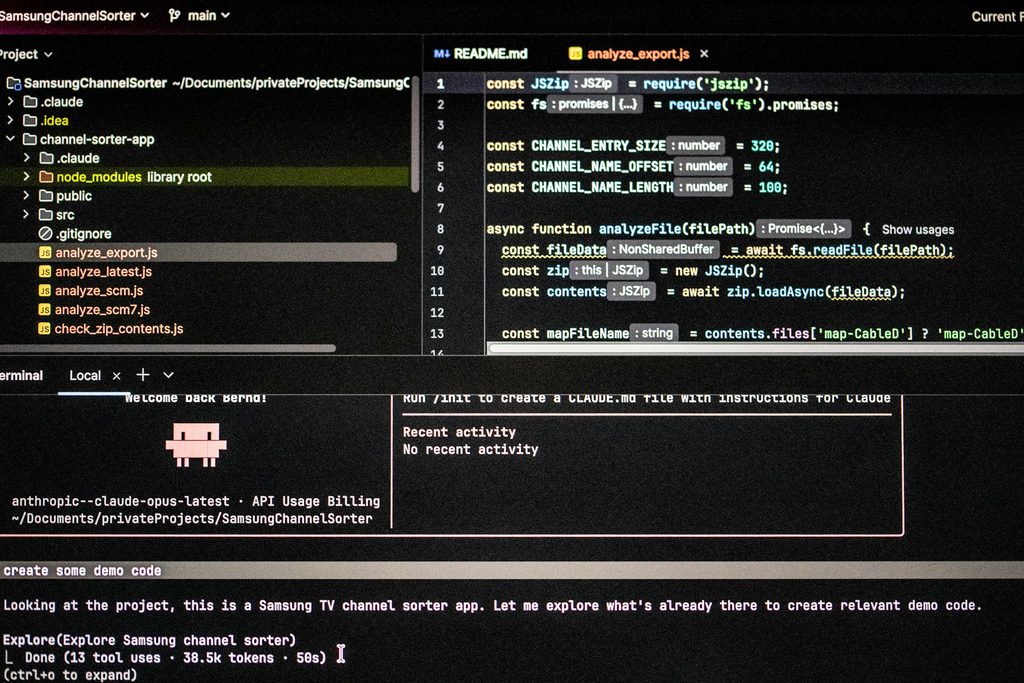
- Claude Code is an agent from Anthropic that works inside your project files and is better suited to people comfortable with a terminal.
If you have never written a line of code, start with Lovable, Bolt, or Replit. They hide most of the technical setup, so you can focus on describing what you want. As your projects grow, you may graduate to Cursor or Claude Code, which give you more control and handle bigger codebases better. There is no single best choice, only the one that matches your comfort level and your project.
How to Ship a Real App in 6 Steps
The biggest mistake beginners make is opening a tool and typing “build me an app like Airbnb.” That rarely works, because the AI has to guess hundreds of details. A structured process gives you far better results and saves a lot of frustration. The six steps below work whether you are building a side project, an internal tool, or the first version of a startup. Treat them as a loop you will repeat, not a straight line.

Step 1: Define one problem and one user
Before you touch any tool, write down in two or three sentences who your app is for and what single problem it solves. “Freelance designers who forget to send invoices” is a much better starting point than “a productivity app.” Keep the first version tiny, with one main feature and nothing else. You can add more later, but a small scope is what makes the first release possible. Many successful indie products started as a single screen that did one thing well.
Step 2: Write a clear product brief
Next, describe your app the way you would explain it to a freelance developer. List the screens, the main actions a user takes, and what data needs to be saved. Mention the look you want, for example “minimal, white background, one accent color.” This brief becomes your first prompt, and the more concrete it is, the closer the first draft will be to what you imagine. Ten minutes of writing here can save hours of back and forth later.
Step 3: Generate the first version
Paste your brief into the tool and let it build. Do not judge the result too harshly, because the first draft is just raw material. Click through every screen and note what works, what is broken, and what is missing. You will almost always get something that is roughly sixty to eighty percent right. That is a great outcome, as long as you know how to improve the rest.
Step 4: Iterate in small, specific changes
This is where most of the real work happens. Ask for one change at a time, such as “make the save button green and move it under the form,” instead of listing ten fixes at once. Smaller requests are easier for the AI to get right and easier for you to check. If something breaks, describe exactly what you see, including any error message on the screen. Many tools also let you roll back to an earlier version, so do not be afraid to experiment.
Step 5: Test with real people
Once the app feels usable, share it with three to five people from your target group. Watch how they use it, ideally on a quick video call, and notice where they get confused. Real users will click buttons you forgot about and type things you never imagined. Their feedback tells you what to fix next far better than your own assumptions. It is also the moment you learn whether anyone actually wants what you built.
Step 6: Launch, then keep improving
When the core works and testers are happy, publish it. Most tools offer one click deployment and a shareable link, and you can connect a custom domain for a more professional look. Announce it where your audience already spends time, such as a niche community, a newsletter, or social media. Then keep the feedback loop running, because launching is the start of the journey, not the end of it.
Vibe Coding Tips: How to Write Prompts That Work
The quality of what you get depends heavily on how you ask. Good prompts are specific, give context, and describe the outcome rather than the technical solution. Instead of “add authentication,” try “let users sign up with email and password, and only show their own invoices after they log in.” The AI understands goals and examples better than vague instructions. Think of it as briefing a very fast but very literal assistant.
A few habits make a noticeable difference, especially for anyone just getting started:
- describe what the user sees and does, not how the code should work
- give examples of real data, such as a sample invoice or a list of products
- ask the AI to explain its changes in simple language so you learn along the way
- save a working version before every big change
- start a fresh chat when the conversation gets long and confused
If you are looking for vibe coding for beginners, the best advice is to stay patient and curious. When the AI gets stuck in a loop and keeps making the same mistake, step back and describe the problem differently. Sometimes it helps to ask the AI what information it needs from you. Over time, you will develop a feel for how to phrase requests, and that skill transfers across every tool.
Where It Falls Short and How to Stay Safe
AI written apps can look polished on the surface while hiding serious problems underneath. Security is the biggest concern, because a generated app might store passwords badly, expose private data, or leave a database open to anyone. Researchers and journalists have already found real apps built this way that leaked user information. If your app handles personal data, payments, or anything sensitive, have an experienced developer review it before launch. This is not about doubting the tools, but about respecting the people who trust you with their information.
There is also the issue of maintenance. When something breaks months later, you may not understand the code well enough to fix it, and the AI may not remember why it made certain choices. Large projects tend to become messy, with duplicate logic and features that quietly conflict with each other. That is why many experienced builders use AI for speed but still keep a developer involved as the product grows. Serious app development still benefits from human judgment, testing, and structure.
Costs can creep up too. Free tiers are generous for experiments, but heavy use, hosting, databases, and extra AI credits can add up once you have real users. Keep an eye on usage and set budget alerts where possible. None of these limits mean you should not try it. They simply mean you should treat your first app as a learning project and grow your safeguards as the stakes grow.
Vibe coding has opened the door to software creation for millions of people who never thought they could build anything. Start small, describe clearly, test with real users, and stay honest about what you do not yet know. With the right tool and a simple process, your next idea does not have to stay in a notebook. It can be a real app with real users, sometimes in less than a weekend.